Smart doorbells sound simple on paper. You install one, connect it to your smart speaker, and suddenly your home feels futuristic. I thought the same until I actually tried setting up Google Nest Doorbell with Alexa.
That’s when the real questions start popping up.
Can Google Nest Doorbell work with Alexa at all?
Is it worth connecting Google Doorbell to Alexa if I already use Echo devices?
What features do you actually get—and what’s just marketing hype?
I’ve tested this setup, dealt with its quirks, and helped others do the same. Let’s break it down in a clear, honest, and practical way—without the fluff.
What Is Google Nest Doorbell, Really?
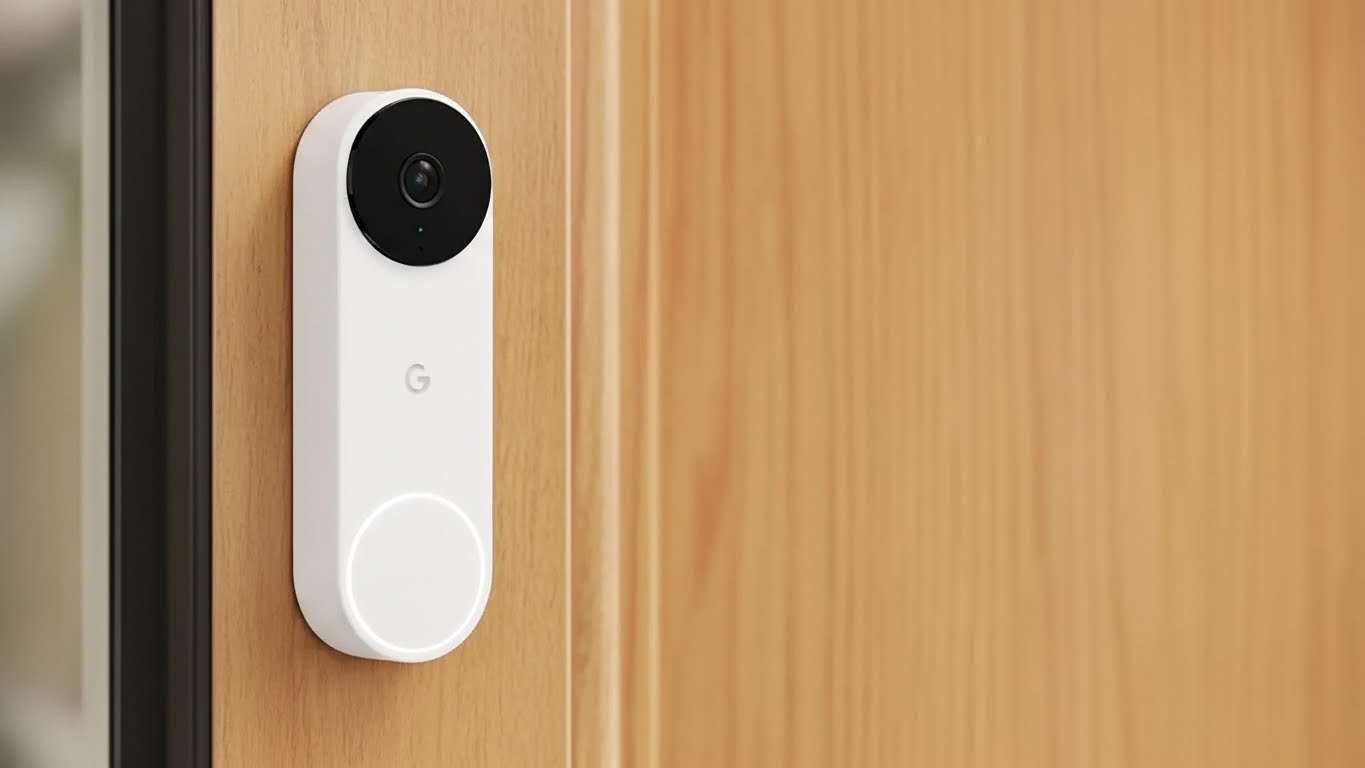
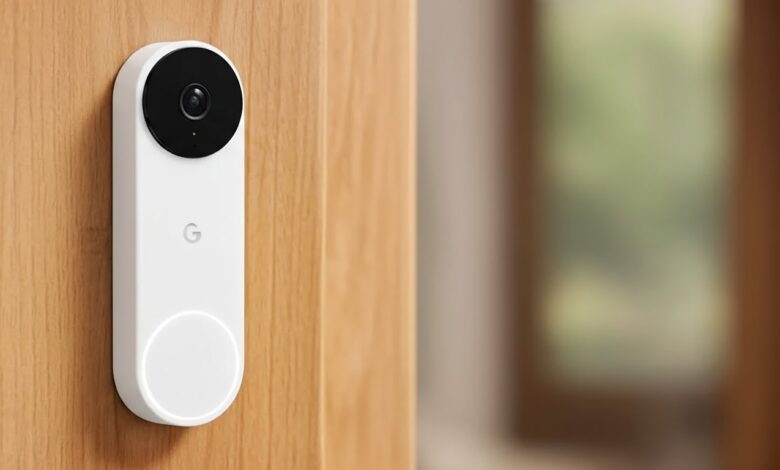
Google Nest Doorbell is Google’s smart video doorbell designed to work seamlessly inside the Google ecosystem.
You get:
HD video (wired and battery options)
Smart alerts for people, packages, animals, and vehicles
Two-way talk
Cloud video history via Google Home app
It’s polished. It’s reliable. And it works beautifully with Google Assistant.
But here is the thing many homes don’t run only one ecosystem.
A lot of users already have:
Amazon Echo speakers
Alexa routines
Smart displays like Echo Show
That’s where the confusion begins.
Can Google Nest Doorbell Work with Alexa?
Short answer: Yes, but with limitations.
Long answer: It doesn’t work natively the way Ring does.
When people search “can google nest doorbell work with alexa”, what they usually want is:
Doorbell announcements on Echo devices
Live video on Echo Show
Alexa voice commands to control the doorbell
Here’s the reality.
What Alexa Can Do with Google Nest Doorbell
What Alexa Can’t Do
🔔 Announce doorbell presses on Echo speakers
📢 Send basic notifications when someone rings
🧩 Work via third-party integrations (not official)
❌ Show live video on Echo Show
❌ Let you talk to visitors through Alexa
❌ Access Nest video history
❌ Fully control Nest settings
So yes Google Nest Doorbell with Alexa technically works, but it’s not a deep integration.
Why I Still Chose Google Nest Doorbell Even as an Alexa User
being an Alexa user, buying a Google Nest Doorbell wasn’t an obvious choice for me. I already had Echo speakers in almost every room, so logically, Ring would’ve made more sense.
But after comparing video quality, motion detection accuracy, and overall reliability, I still leaned toward Nest. The camera felt sharper, alerts were smarter, and false notifications were noticeably fewer.
Even though Alexa integration wasn’t perfect, the core doorbell experience mattered more to me in daily use.
Why Google and Alexa Don’t Play Nice
To be honest, this has nothing to do with technology limits.
It’s business.
Google wants you using:
Google Home displays
Google Assistant
Google ecosystem services
Amazon wants the same—with Alexa.
That’s why Ring (Amazon-owned) works perfectly with Alexa, while Nest doesn’t.
Understanding this saves you a lot of frustration.
Why I Still Chose Google Nest Doorbell Even as an Alexa User
I’ll be honestbeing an Alexa user, buying a Google Nest Doorbell wasn’t an obvious choice for me. I already had Echo speakers in almost every room, so logically, Ring would’ve made more sense. But after comparing video quality, motion detection accuracy, and overall reliability,
I still leaned toward Nest. The camera felt sharper, alerts were smarter, and false notifications were noticeably fewer. Even though Alexa integration wasn’t perfect, the core doorbell experience mattered more to me in daily use.
Google nest doorbell with alexa setup
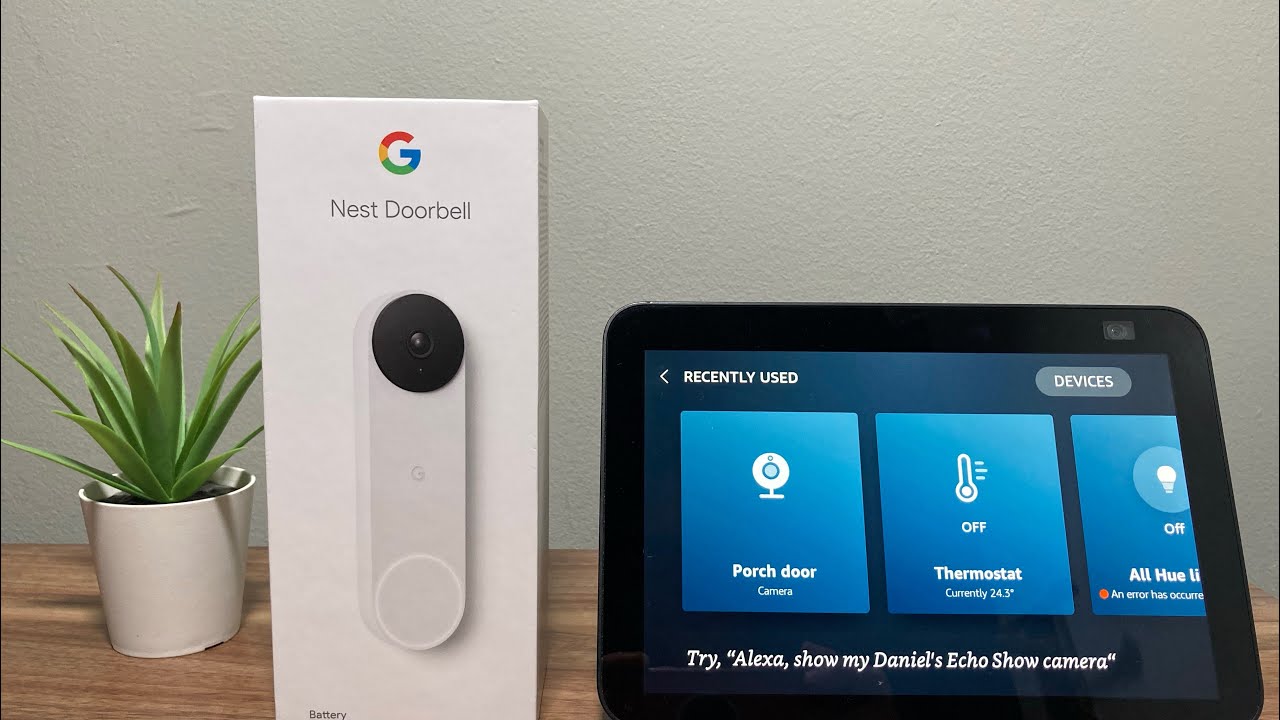
When I first tried setting up my Google Nest Doorbell with Alexa, I honestly thought it would be a simple plug-and-play process. I already had Echo speakers around the house, so I expected everything to sync smoothly.
But after installing the doorbell and opening the Alexa app, I quickly realized it wasn’t that straightforward. Google Nest doesn’t officially support Alexa,
so I had to rely on a third-party solution to make it work. Once I connected the doorbell through a bridge service, Alexa finally started announcing when someone pressed the doorbell.
It wasn’t perfectI still couldn’t see the live video on my Echo Show but for basic alerts, it did the job. After testing it for a few days,
I learned that this setup works best if you treat Alexa as an announcement speaker and keep all camera controls inside the Google Home app.
How to Connect Google Doorbell to Alexa (Step-by-Step)
Even with limitations, many users still want basic Alexa alerts. Here’s how you connect Google Doorbell to Alexa the right way.
What You’ll Need
Google Nest Doorbell (battery or wired)
Google Home app (set up and working)
Amazon Alexa app
A third-party bridge service (like Starling Home Hub or similar)
Important: There’s no official Alexa skill from Google for Nest doorbells.
Method 1: Using Starling Home Hub (Most Reliable)
This is the method I recommend if you’re serious.
Steps:
Set up your Google Nest Doorbell in Google Home
Install Starling Home Hub
Link your Google account to Starling
Open Alexa app → Devices → Add Device
Discover new devices
Once done:
Alexa announces doorbell presses
Nest devices appear as smart home devices
The best part?
It works consistently and doesn’t break after updates.
Method 2: Basic Notification Workarounds (Limited)
Some users rely on:
IFTTT-style automations
Push notification relays
This works, but:
It’s delayed
It’s unreliable
It’s not beginner-friendly
If you just want announcements, it’s okay. For anything more—skip it.
Real-World Experience: Is It Worth It?
I’ll be honest.
If your home is 70–80% Alexa-based, Google Nest Doorbell isn’t the most logical choice.
But there are exceptions.
Google Nest Doorbell Makes Sense If:
You already use Google Home for cameras
You want superior AI detection (packages, faces)
You value video quality over ecosystem lock-in
You’re okay with Alexa just announcing the doorbell
It’s Not Ideal If:
You want live video on Echo Show
You expect Alexa voice control
You want a plug-and-play Alexa experience
This isn’t about which brand is “better.”
It’s about how you actually use your smart home.
Google Nest vs Ring for Alexa Users (Quick Comparison)
| Feature | Google Nest Doorbell | Ring Doorbell |
|---|---|---|
| Alexa Announcements | ✅ Yes | ✅ Yes |
| Live View on Echo Show | ❌ No | ✅ Yes |
| Two-Way Talk via Alexa | ❌ No | ✅ Yes |
| AI Detection Quality | ⭐⭐⭐⭐☆ | ⭐⭐⭐ |
| Google Assistant Support | ✅ Native | ❌ Limited |
What does this mean for you?
If Alexa is your main assistant, Ring wins.
If video intelligence matters more, Nest still holds its ground.
Google Nest Doorbell with Alexa a Good Choice for Families?
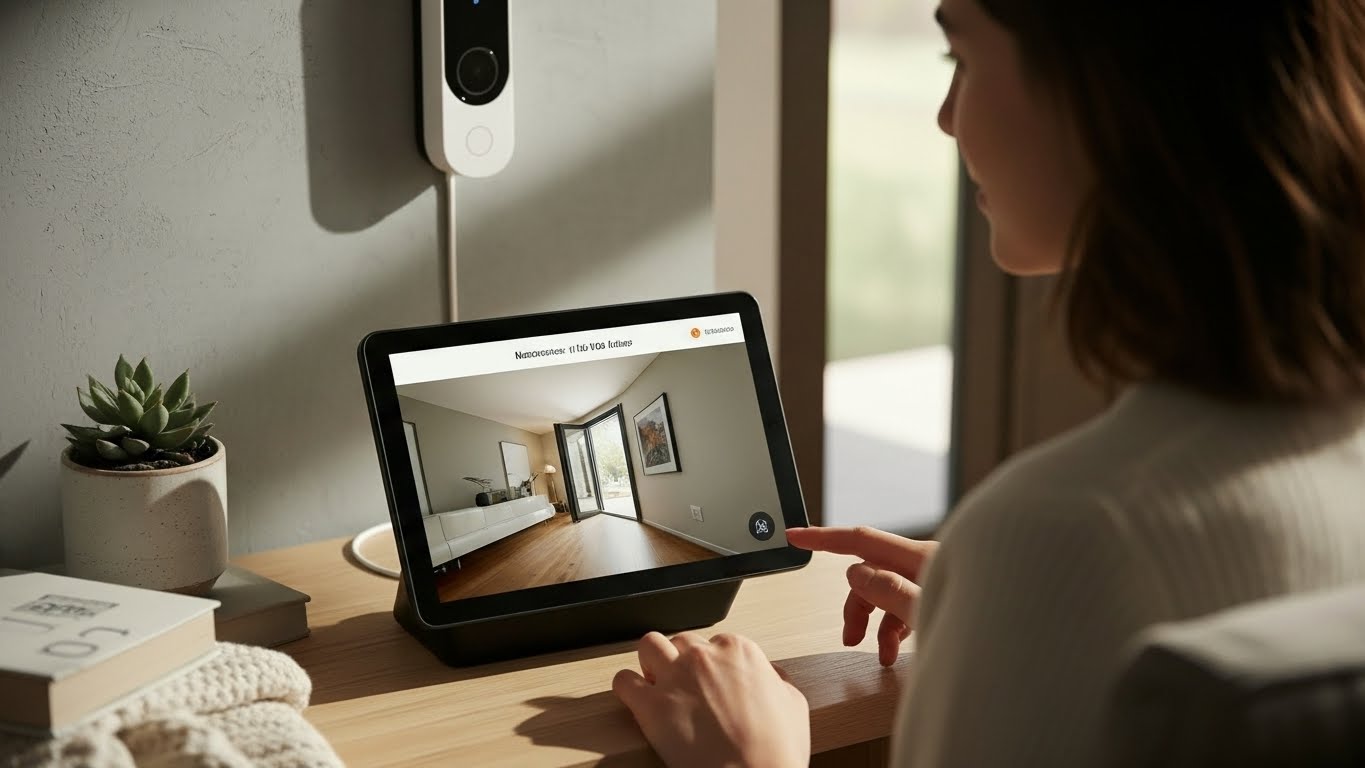
From a family perspective, this setup actually works better than I thought. Everyone in the house hears the doorbell announcement through Echo speakers, even if their phone is on silent.
For kids and elderly family members, that audio alert alone is helpful.
While they don’t use the Google Home app themselves, the main user can still monitor everything centrally. In a shared home environment, simple alerts often matter more than advanced controls.
How I Optimized Alexa Announcements to Avoid Missing Doorbell Alerts
At first, Alexa announcements were easy to miss if music was playing or volume was low. After some trial and error, I tweaked a few settings that made a big difference.
I increased announcement volume, disabled “Do Not Disturb” during daytime hours, and linked alerts to multiple Echo devices. Once I did that, doorbell alerts became consistent and impossible to ignore, even during busy hours.
Quick tips I used:
Increased Alexa announcement volume
Enabled announcements on all Echo devices
Avoided routines that silence notifications
Google Nest Doorbell vs Ring My Personal Take After Real Use
I’ve used Ring at a friend’s house and Google Nest at my own, so this comparison comes from actual experience. Ring clearly works better with Alexa, no doubt about
that But Nest felt more intelligent in day-to-day use Package detection was more accurate, motion alerts felt smarter, and video clarity was noticeably better. For me, sacrificing full Alexa control was worth it in exchange for better camera intelligence.
🔗 Also Read: Digital Analyst Jobs Remote 2025 Ultimate Guide with Salary Skills & Real Experience —
Question People Ask (Answered Clearly)
Does Google Nest Doorbell officially support Alexa?
No. Any Alexa integration relies on third-party solutions.
Can Alexa show Google Nest Doorbell video?
No. Echo Show cannot display Nest camera feeds.
Can Alexa announce when someone rings the Nest Doorbell?
Yes, with a bridge like Starling Home Hub.
Is there a delay with Alexa notifications?
Usually 1–3 seconds. Acceptable, but not instant.
Tips to Get the Best Experience
If you’re going ahead with Google Nest Doorbell with Alexa, do this:
Use Google Home app for all camera controls
Let Alexa handle announcements only
Place an Echo near entry points for audible alerts
Use Google Nest Hub if you want live video indoors
Mixing ecosystems works best when each device has a clear role.
Common Mistakes to Avoid
I see these all the time:
Expecting Alexa to fully control Nest
Skipping third-party hubs and blaming Alexa
Buying Nest just because it’s “Google”
Assuming all smart doorbells behave the same
Smart homes reward planning. Not impulse buys.
Key Takeaways
Google Nest Doorbell with Alexa works—but only partially
Can Google Nest Doorbell work with Alexa? Yes, for announcements only
To properly connect Google Doorbell to Alexa, you’ll need a third-party hub
Live video and two-way talk are not supported on Echo devices
Nest is best for Google-centric homes, not Alexa-first setups
🔗 Also Read: Advantages of Artificial Intelligence in Daily Life
Final Thought
My Final Advice Before You Buy
If you’re thinking about this setup, my advice is simple decide what matters more to you. If video intelligence, cleaner notifications, and Google’s AI features are your priority, Nest is a solid choice. But if Alexa control is at the center of your smart home, you should manage expectations or look at alternatives. Once you’re clear about that, the experience becomes much smoother.
Just go in with realistic expectations and you won’t be disappointed.