Let’s be honest: sending a plain Happy New Year” text feels a bit like giving someone a dry piece of toast. It gets the job done, sure, but where is the flavor? As we dive into 2026, our digital conversations have moved far beyond simple characters. We are now in the era of high definition, AI powered, and hyper personalized expressions.
If you’ve noticed your group chats suddenly exploding with fireworks and dancing 2026 logos, you aren’t alone. WhatsApp has gone all out for the 2026 holiday season, rolling out features that make our screens feel like a mini-party. I’ve spent the last few days digging into the newest updates, and let me tell you, it’s not just about “more stickers it’s about a whole new way of connecting.
Key Takeaways for 2026
Interactive Effects: Video calls now feature real-time fireworks and confetti.
AI Customization: Meta AI now lets you generate unique stickers from simple text prompts.
Status Revolution: Animated stickers have finally arrived for WhatsApp Status updates.
Better Planning: New “Event” tools in group chats make holiday organizing actually bearable.
What’s Trending in the 2026 Sticker World?
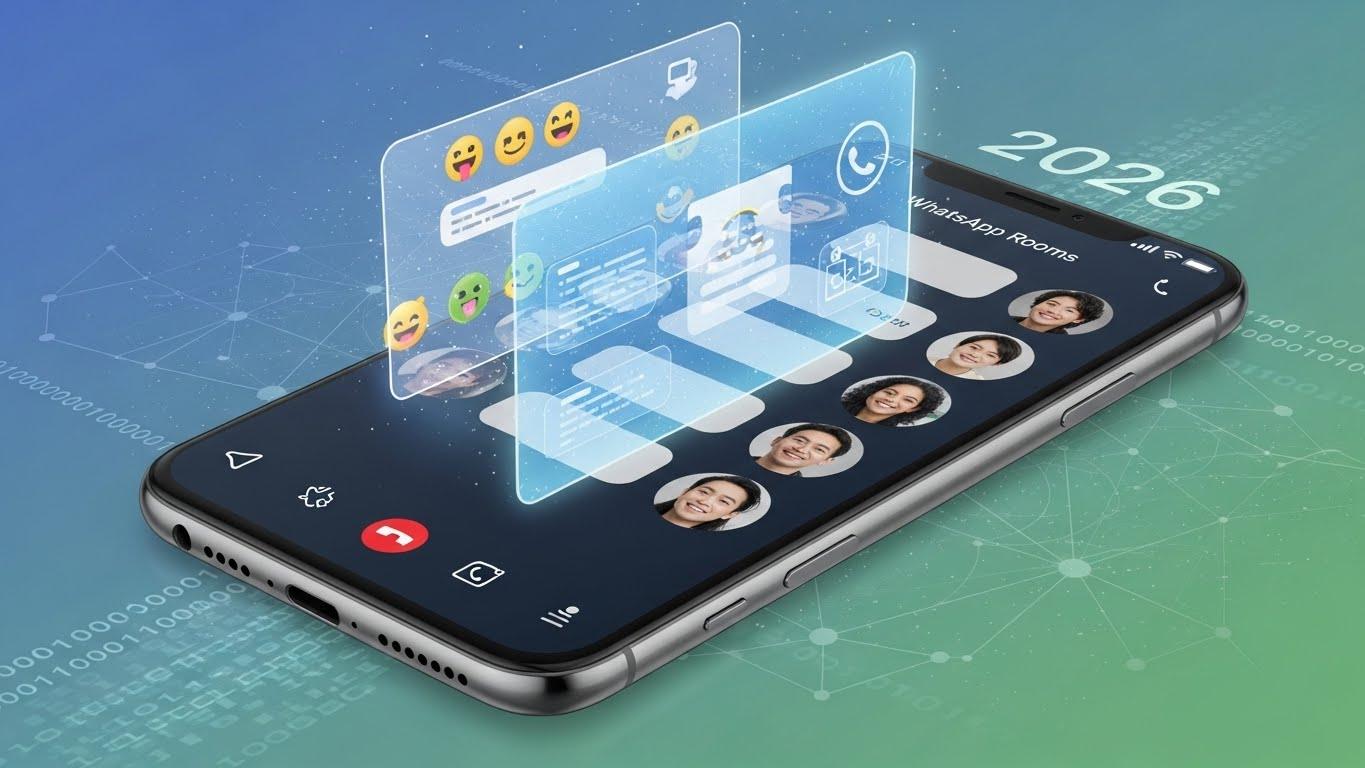
To understand where we are going, we have to look at what’s landing in our trays right now. The trend for 2026 is “Dynamic Realism.” People are moving away from the static, clip-art style stickers of the past.
What does this mean for you? It means stickers that react to the time of day, stickers that use “Lottie” animations for buttery-smooth movement, and stickers that feel personal. Here are the big three trends dominating the holiday season:
1. The Official 2026 Festive Pack
WhatsApp’s own design team has released a dedicated 2026 Sticker Pack. It’s sleek, it’s neon, and it’s surprisingly artistic. Instead of just a “2026” number, you’ll find animated countdown clocks and even “glass-morphism” designs that look like 3D floating objects.
2. AI-Generated Hyper-Personalization
The biggest game-changer this year is the integration of Meta AI. Instead of searching through thousands of packs to find a “dog wearing a Santa hat while eating pizza,” you can just type it.
I’ve found that the more specific you are, the better the result. It’s like having a digital artist living inside your keyboard.
3. Retro-Aesthetic & Y2K Vibes
Strange as it sounds, 2026 is seeing a massive comeback of early 2000s aesthetics. Think pixel art, glittery “bling” text, and lo-fi animations. It’s nostalgic, it’s fun, and it stands out in a sea of high-res graphics.
How to Get the Best Holiday Stickers (Step-by-Step)
If you’re still using the same heart and thumbs-up stickers from 2022, we need to talk. Updating your sticker game is easier than ever.
To download the official 2026 packs:
Open any chat and tap the Emoji icon.
Select the Sticker tab (the square icon with a folded corner).
Hit the Plus (+) icon on the right.
Look for the “2026 Festive Celebration” pack and tap download.
The best part? You aren’t limited to what WhatsApp gives you. Third-party apps like Sticker.ly or Canva are buzzing with creator-made content.
Comparison: Official vs. Custom Stickers
| Feature | Official WhatsApp Packs | Custom/AI Stickers |
| Ease of Use | Instant download | Requires 1-2 minutes |
| Originality | High (everyone has them) | Unique (no one has them) |
| Animation | Smooth & Optimized | Varies by creator |
| Personalization | Low | Total Control |
Beyond Just Stickers: The 2026 “Vibe” Updates
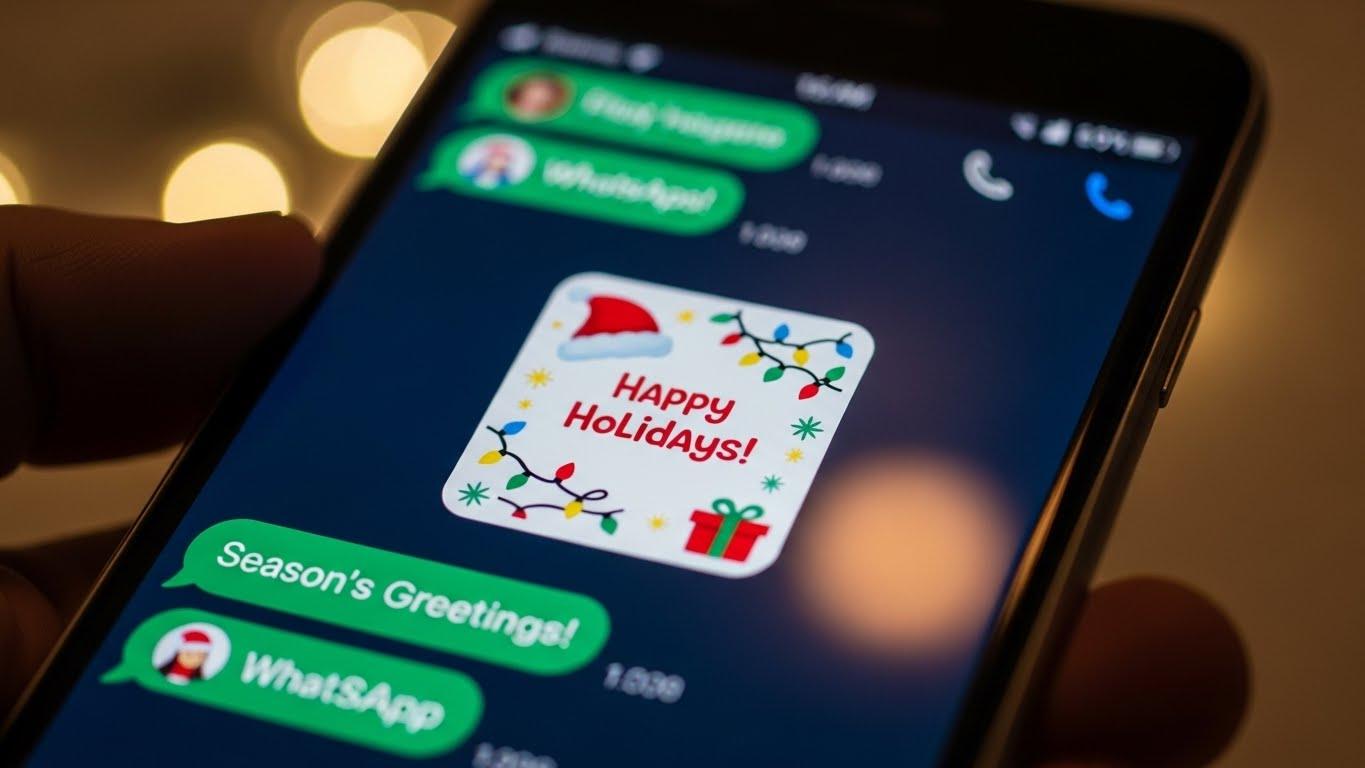
But here is the thing: stickers are just the tip of the iceberg this year. WhatsApp has introduced what I call “Atmospheric Features.”
Animated Confetti Reactions
Have you tried reacting to a “Happy New Year” message with the emoji yet? If you haven’t, go do it. In 2026, certain festive emojis trigger a full-screen confetti burst for both the sender and the receiver. It’s a small touch, but it makes the message feel like an actual celebration rather than just another notification.
Video Call Fireworks
Imagine you’re calling your family in another country to ring in the New Year. In the middle of the countdown, you can tap the Effects icon (it looks like a magic wand) and trigger a fireworks display that overlays on your camera feed. It’s surprisingly high-quality and even includes spatial audio “pops.”
Animated Status Layouts
To be honest, Status updates used to be a bit boring. But for the first time, WhatsApp has enabled animated stickers in Status. You can now use the “2026 Layout” which wraps your photo or video in a festive frame with moving elements. It’s perfect for those who want to share the party vibes without sending 50 individual messages.
Creating Your Own: A Mini Story
A few days ago, I wanted to send a sticker to my group chat that featured my cat, Barnaby, wearing a 2026 party glasses. Usually, I’d have to use a separate app, remove the background, and then import it.
Now? I just used the in-app sticker maker.
I selected a photo of Barnaby.
WhatsApp’s AI automatically “cut out” the cat (it even got his whiskers right!).
I added a “2026” neon text and a sparkling effect.
Boom. Within 30 seconds, I had a custom sticker that my friends loved.
What does this mean for you? It means you don’t need to be a graphic designer to be the “cool one” in the group chat. The tools are literally at your fingertips.
Also Read : Digital Analyst Jobs Remote 2025 Ultimate Guide with Salary, Skills & Real Experience
The Pro Guide to Holiday Group Planning
We’ve all been in those “Nightmare Holiday Groups” where 20 people are arguing about what time to meet. To combat this, WhatsApp has polished its Events and Polls tools for 2026.
Events: You can now create a pinned event at the top of the chat. It tracks RSVPs and even sends a reminder 30 minutes before the party starts.
Live Location: If you’re hosting, you can share your live location so guests can find your place without calling you every five minutes asking for directions.
Polls: Stop the “What should we eat?” debate. Set up a poll with options like Pizza, Tacos, or Potluck, and let the majority win.
Safety First: Don’t Click That Link!
I hate to be the bearer of bad news, but holiday seasons are also prime time for scammers. You might see messages saying, “Click here to unlock the Secret 2026 Gold Stickers!”
Don’t do it. Official stickers will always be available within the app’s sticker store or via reputable platforms like Meta AI. If a link asks you to download an “external file” or log in with your password to get a sticker, it’s a red flag. Stick to the built-in features, and you’ll be perfectly safe.
Why This Matters
At the end of the day, a sticker is just a small graphic. But in 2026, where many of us are separated by miles, these small digital gestures are how we bridge the gap. Whether it’s an AI-generated joke sticker or a video call filled with virtual fireworks, it’s all about making the person on the other end of the screen smile.
The holiday season is hectic, loud, and sometimes a bit overwhelming. But with these new WhatsApp tools, at least your digital celebrations will be smooth, stylish, and full of personality.
So, what’s your move? Are you going to stick with the basic emojis, or are you ready to dive into the world of AI stickers and fireworks?